
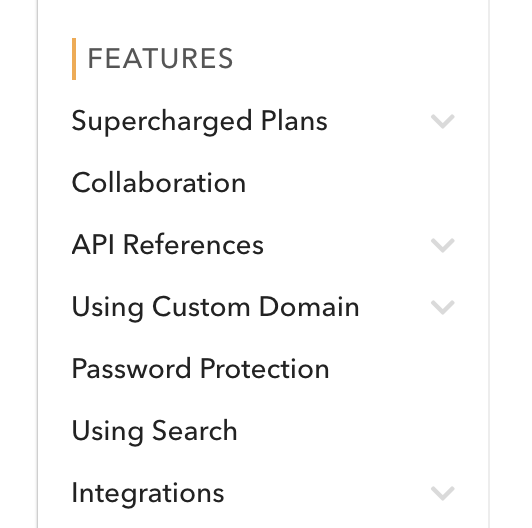
Categories make it easier to segment your documentation. You can see an example of categories on the left hand-side, such as "Start Here".
Adding Categories
To add a category:
In your documentation index, find the last index labelled "New" and click on the menu icon next to it.
Click on Category .
Give it a title.
Deleting Categories
To delete a category, click the menu icon next to it in the index, then select Delete .
To delete a category, you must first empty it. You can do this either by moving all indices to another category, or by deleting them completely.
Renaming Categories
To rename a category:
Click the menu icon next to that category in the index.
Select Edit .
Enter the new title.
Collapse Settings
To make categories collapse, check Collapsible Categories.
Re-ordering Categories
To re-order a category, drag and drop it anywhere in the index.
Categories are only top-level elements in the index.
Separators
Separators act as a divider between a category and other index items. For example, if you wish to provide links below a category, but not in the category itself, then you can add a separator to allow the links to be top-level items.