
Dashboard is where every teammate should start their day.
What is in the Dashboard?
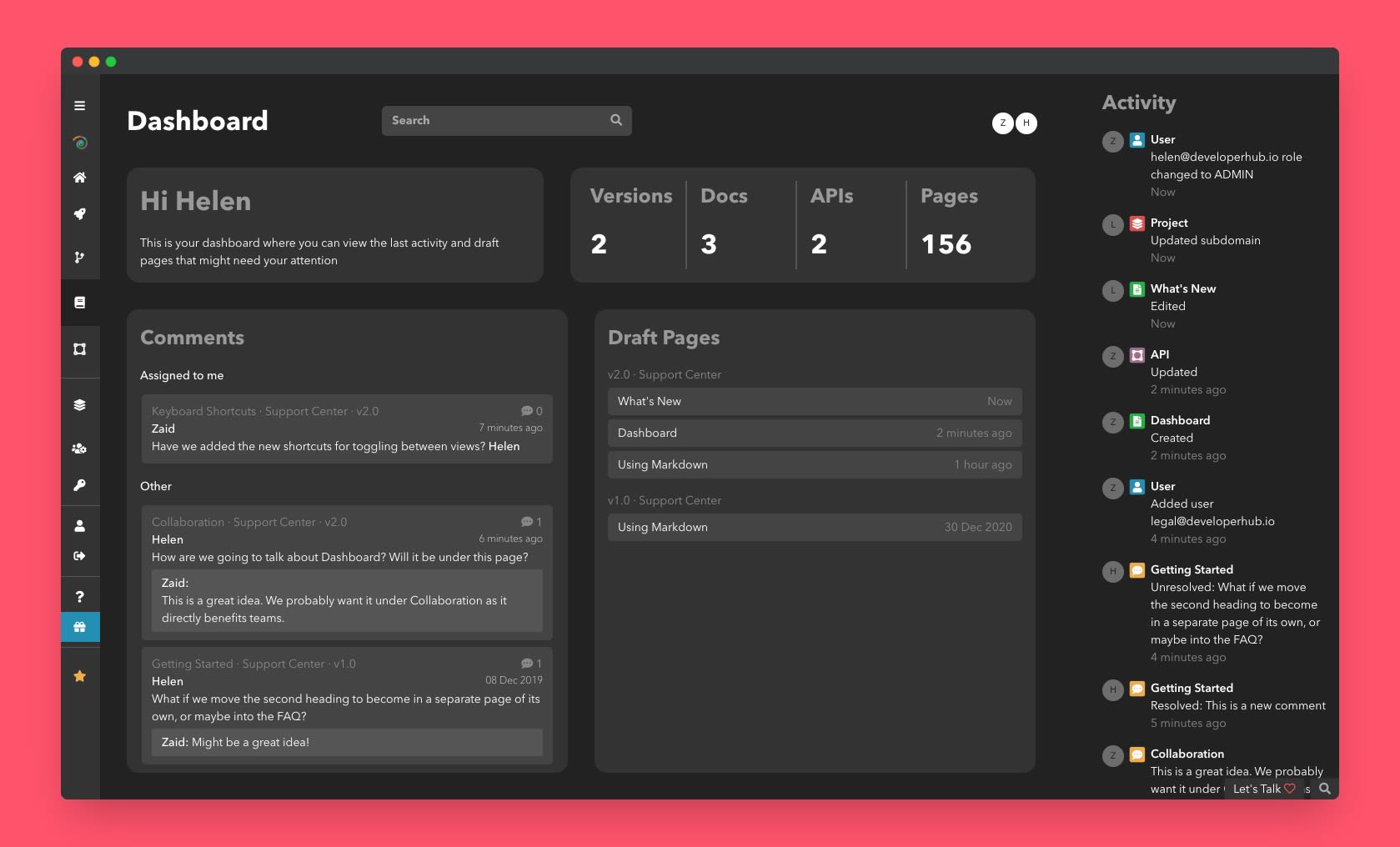
The dashboard helps your teammates find upcoming items as fast as possible. The following shows in the dashboard:
Some high-level statistics about the count of versions, documentation, API References and Pages in total.
All the users that are currently logged in.
All the unresolved comments that are assigned to you, and other unresolved comments.
All pages that are in draft mode currently.
Activity log: A log of everything that has been happening in your project so you keep up with your teammates.
Search Analytics: Understand how readers are using your search bar, are they finding what they're looking for?
Feedback: Read and analyse feedback trends on your pages.
How to get to the Dashboard?
To open the dashboard:
From the left sidebar, click Dashboard .