
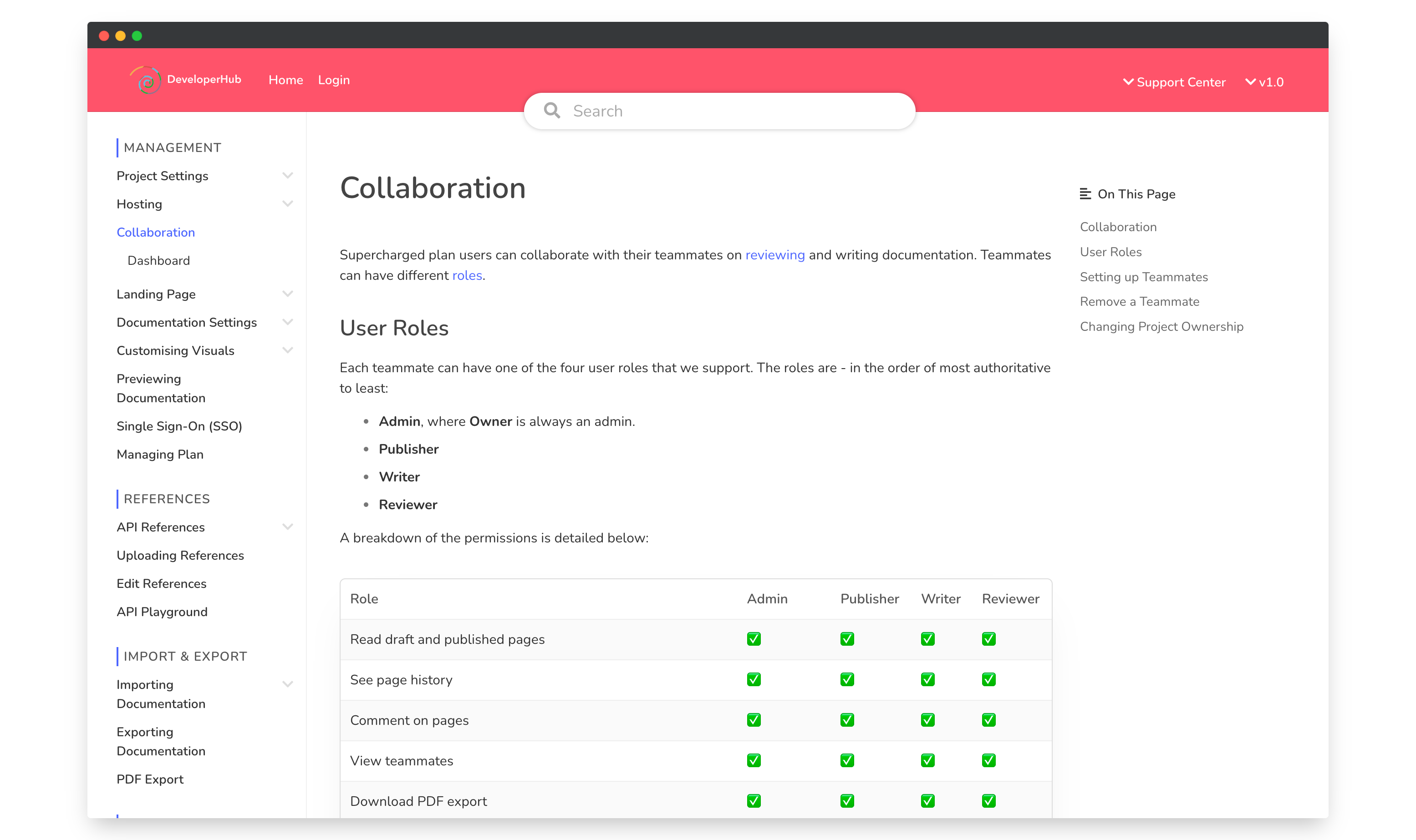
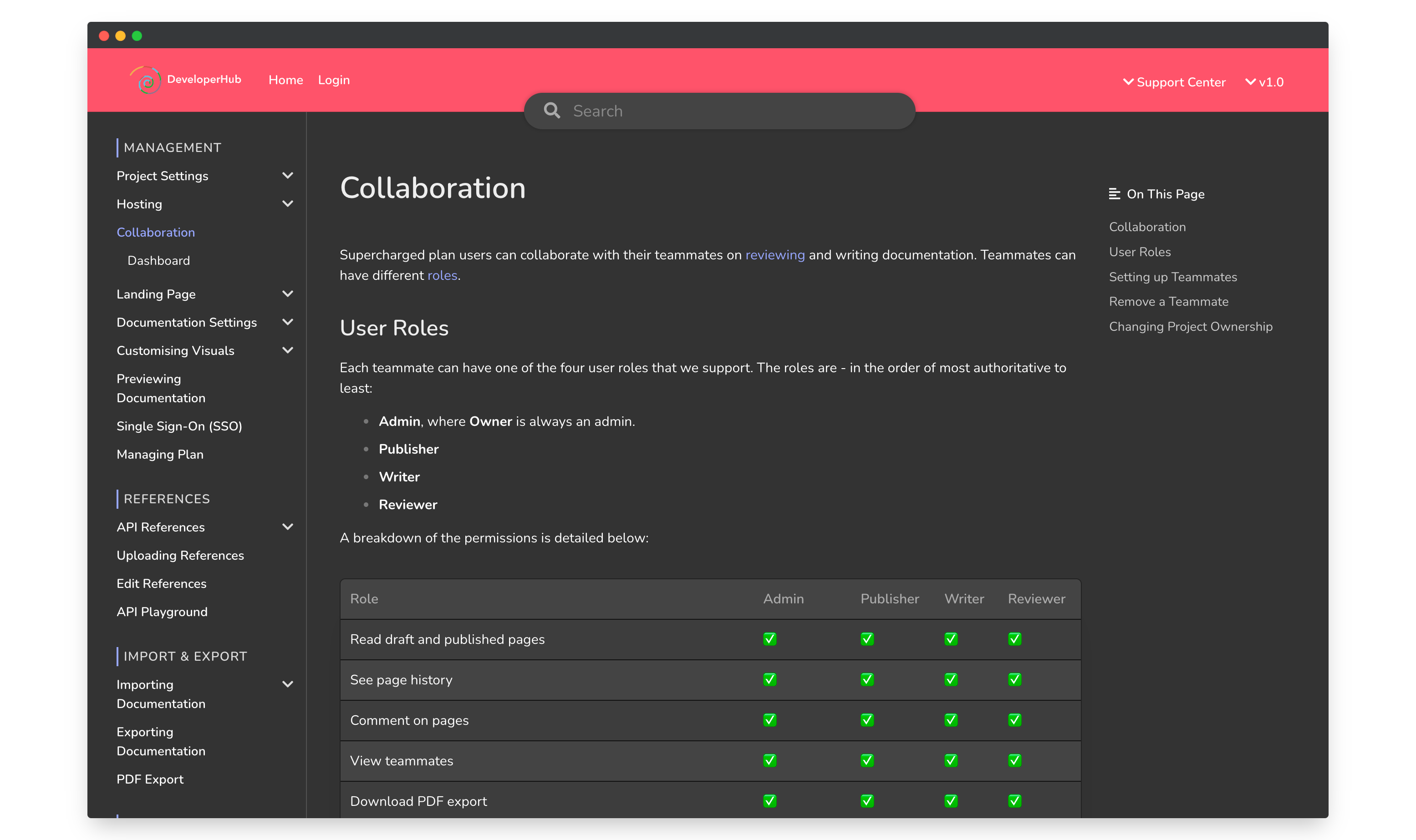
Docs in DeveloperHub can have two themes:
Light theme
Dark theme
You can set a default theme for readers, allowing them to customize their experience by switching to a preferred theme. Furthermore, a toggle can be displayed, enabling readers to easily change the theme according to their personal preferences.
Setting the theme
To modify the default theme for readers, follow these steps:
Click on Project settings in the sidebar.
Under Customisation, choose the theme.
Click Save.
We recommend utilizing the light code theme in conjunction with the light theme for an optimal viewing experience.
Show Theme Toggle
To show a theme toggle for readers:
Click on Project settings in the sidebar.
Under Customisation, check Show Theme Toggle.
Click Save.
Light Theme
Dark Theme
Modifying the theme
To modify the theme, you can either update the CSS Variables as needed or add your own Custom CSS. When the dark theme is applied, a global .dark-mode CSS selector is added to document.body.