
All users have the capability to seamlessly integrate DeveloperHub with Slack, ensuring that the entire team stays informed about any changes made within their developer hub. This integration enhances communication and collaboration by providing real-time updates directly in your Slack channels.
What does the Integration do?
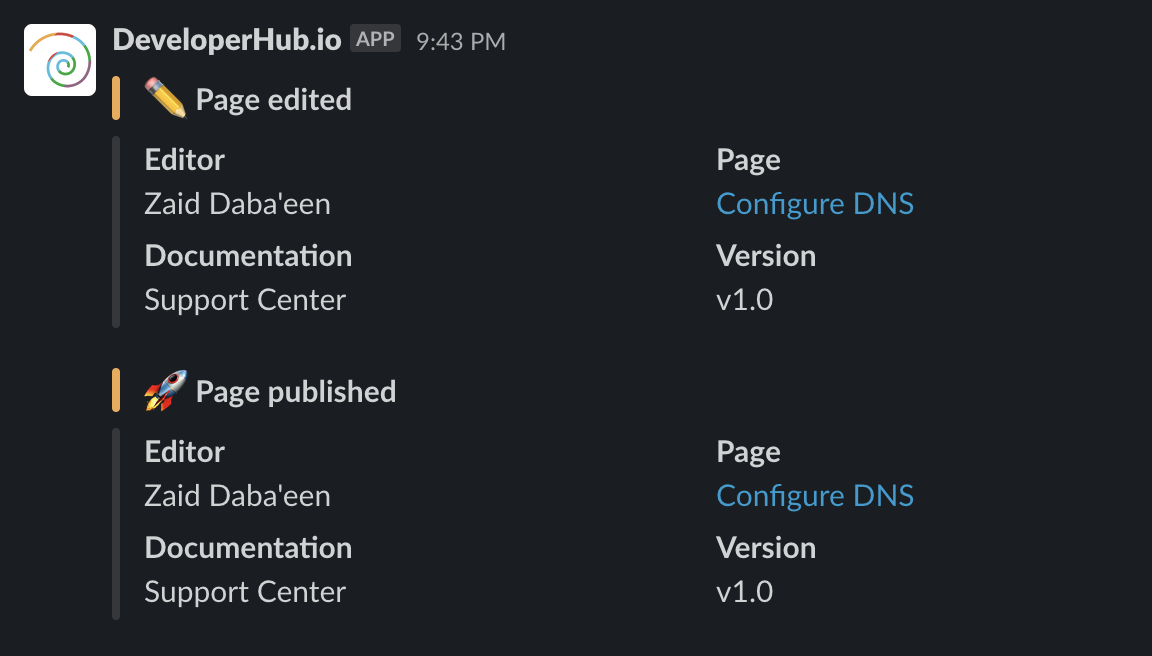
Our Slack integration instantly notifies your team in a selected Slack channel about these changes:
Page has been created, edited, and published.
Version created.
API reference created, edited, and published.
It also provides you with updates whenever you receive feedback on an hourly basis.
Setting up Slack
To setup the Slack integration:
Click on Project Settings in the sidebar to access Slack settings under Integrations for Team.
Click on Connect. You will go to Slack's authentication page.
Select the channel for posting notifications.
The Connect button will now display your connected channel. You can change the channel or workspace anytime by repeating the steps.