
30 Dec
New Onboarding: Introduced onboarding steps for new users.
25 Dec
New Auto-Recovery: Pages are auto-saved locally for recovery in case of accidental shutdown.
23 Dec
New No formatting code block: Code blocks with disabled formatting are now available.
New Language titles: Changed the language titles to match proper case and marketed name such as PHP/JavaScript/C# rather than php/javascript/csharp.
21 Dec
New Change inline code colour: Supercharged plans users may request a change of inline code colour on contacting us.
16 Dec
New Start with Trial: Free users now start with a 14-day trial on creating a project.
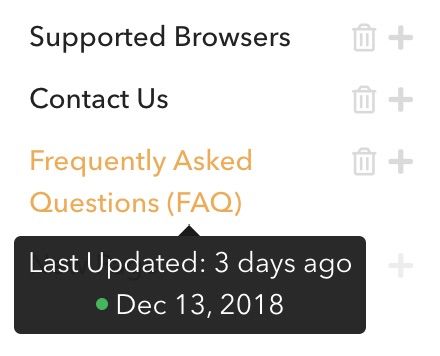
New Page State: Hover on a page in the index to see when it was last updated to keep your pages always fresh. (Removed temporarily)
11 Dec
New operationId not required:
operationIdis no longer required in API References. An auto-generated one will be assigned if none exists for an operation.New Bigger search bar: Search bar went 22% bigger on desktop mode.
New References tables redesign: API References table rows got redesigned into a slimmer mode: borderless and they fit more content.
New References index redesign: API References index now has a beautiful structure, and does not show paths by default.
10 Dec
New Go to Custom Domain: All Go To buttons now go to your custom domain if set rather than your subdomain.
New Trials: Everyone can have a 14 day trial by launching it from the sidebar.
New Early Preview References: API References are now available for everyone to try out.
9 Dec
New References Performance: Major performance upgrade for huge API References.
6 Dec
New Index Static Expanding: Removed the animation on expanding documentation index for better performance.
New Accessibility: Pressing enter on password protected form now submits the password.
New References bug fixes: Fixed an issue with breaking design on extra wide examples and authentication section showing when no security definitions have been declared.
4 Dec
New Browser Compatibility: Enhanced API References compatibility for Firefox.
New Design Changes: Many design changes for API References to make it look smoother.
2 Dec
New Navigation links colour: Navigation links colour changes automatically for best visibility.
New Mobile References: Fixed an issue where long text is out of page, and page is padded.
New Auto-generated Examples: Request and response examples are auto-generated if not provided.
New FormData generation: Form data is autogenerated in example cURL request.
30 Nov
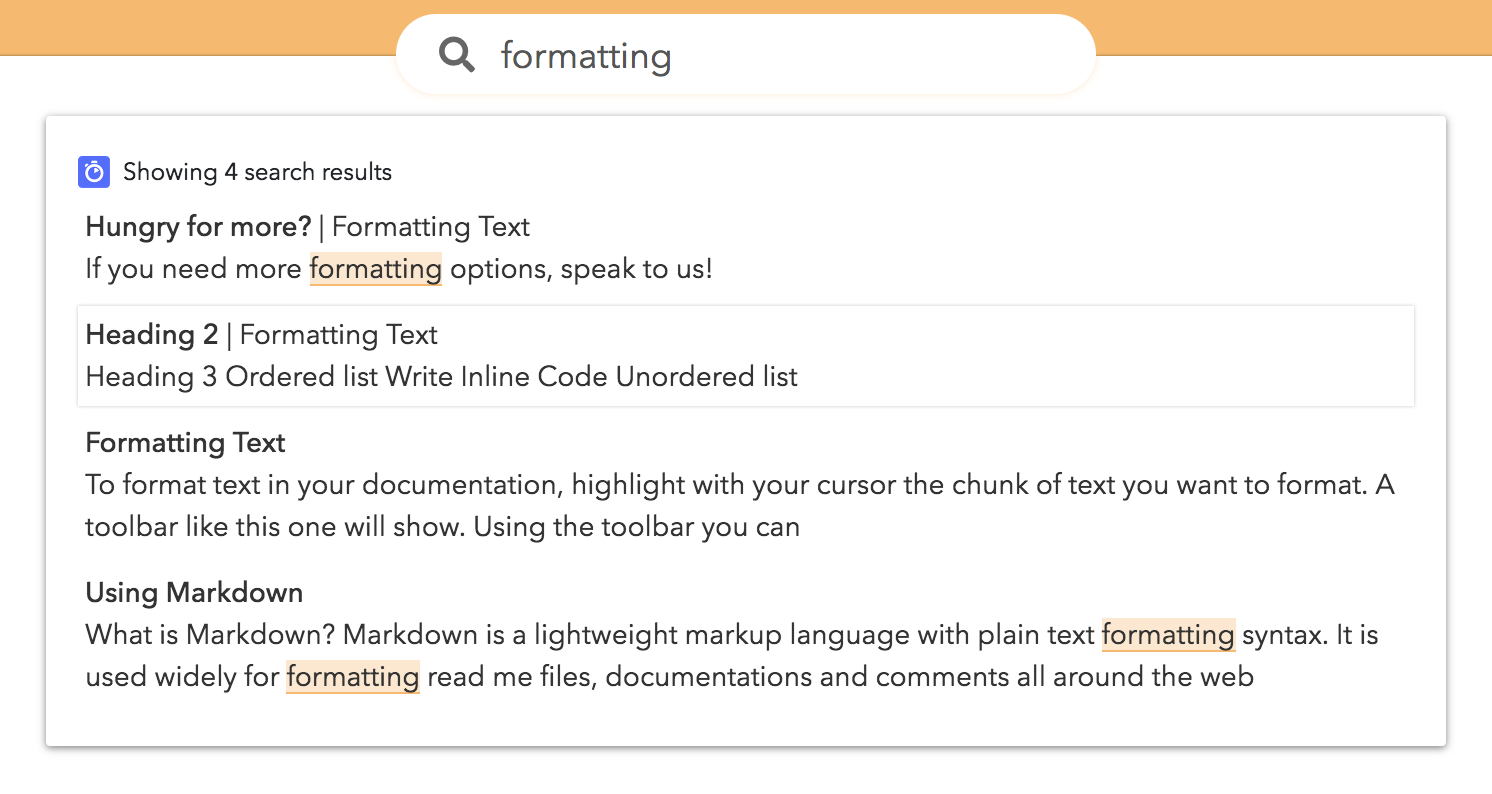
New Revamped Search: Search results have a new revamped look, highlighting result and showing the section.
New References Extensions Bug: References with extensions could have broken some operations.
New Enforce operationId: Operation IDs are now enforced in References.
28 Nov
New Early-Preview References: Early-preview users can upload API References and publish them in their developer hubs.
New Internal Linking to Sections: You can now link to entire documentations and references.
New Version-wide Search: Everything under a version is searchable, and the search bar is unified between all sections.
New Wider Index: Index is now wider to allow for more text.
New More Search Results: Up to 20 search results now show instead of only 8 results.
New Section Picker: Section picker now shows even if there is only one section, and it shows the section icon in the selection.
New Section Picker - Mobile: The section (documentation/reference) picker now shows on mobile pages.
New Internal Links - Bug Fix: Internal links to other documentation were broken.
17 Nov
New Compatibility Fixes: Multiple fixes for Safari and Firefox.
14 Nov
New Lua and C#: Added support for Lua and C# languages in code-blocks.
Bug Fix Code text: Long text in code could have broken the page layout.
4 Nov
New Change Link Colour: Link colour can be changed separately from header colour.
27 Oct
Bug Fix Links: Page links with
&character broke pages.
26 Oct
New Customise Font: Paid plans - Change the entire font of your project.
New Video Width: Videos now take up 100% of width of page.
Bug Fix Adding teammates: Teammates were unable to add other teammates. A new project is not required anymore for invited teammates.
13 Oct
New Intercom: Paid plans are able to integrate with Intercom for messaging with customers.
New Custom HTML: Paid plans can add custom HTML into pages.
12 Oct
New Bug Fix: No more breaking ordered/unordered lists between paragraphs or when copying from non-standard HTML.
11 Oct
New API References: Announced waitlist for API References.
26 Sep
New Import Documentation: Import documentation from external sources into DeveloperHub.io.
18 Sep
New Privacy Policy consent: You can provide your own Privacy Policy for your readers to give their consent to.
15 Sep
New Worldwide performance update: Our platform is even now faster by 2.3x on slower connections, and with minimal latency all around the world.
13 Sep
New HTTPS Support: Paid plans now have HTTPS support.
11 Sep
New Link to Pages: Powerful internal linking to pages within versions that scales with your documentation. See Link to Pages for more information.
New Faster page switching: Internal documentation links switch faster without reloading the page.
New External links: External links open in a new tab by default.
10 Sep
New Embed YouTube Videos: Convey the entire message to your readers by embedding YouTube videos.
New Drop & Drop: All add-ons can be dragged and dropped around a page for easier editing experience.
New Bug fixes: Fixes to display on Safari, security and referrals.
3 Sep
New (Mobile) Branded navigation: Current page in mobile index is now highlighted with brand colour.
New (Mobile) Wider documentation view: Less padding on the sides for the documentation to have more space for the text.
New Firefox compatibility: Multiple enhancements to Firefox compatibility.
New Supported browsers: We are clear about our browser support. See the list here.
2 Sep
New Tables: Organise your data in tabular format in responsive tables. Here is how it looks like:
Parameter | Type | Default |
|---|---|---|
user_id | int | Auto-generated |
user_name | string | John Doe |
user_age | int | 25 |
24 Aug
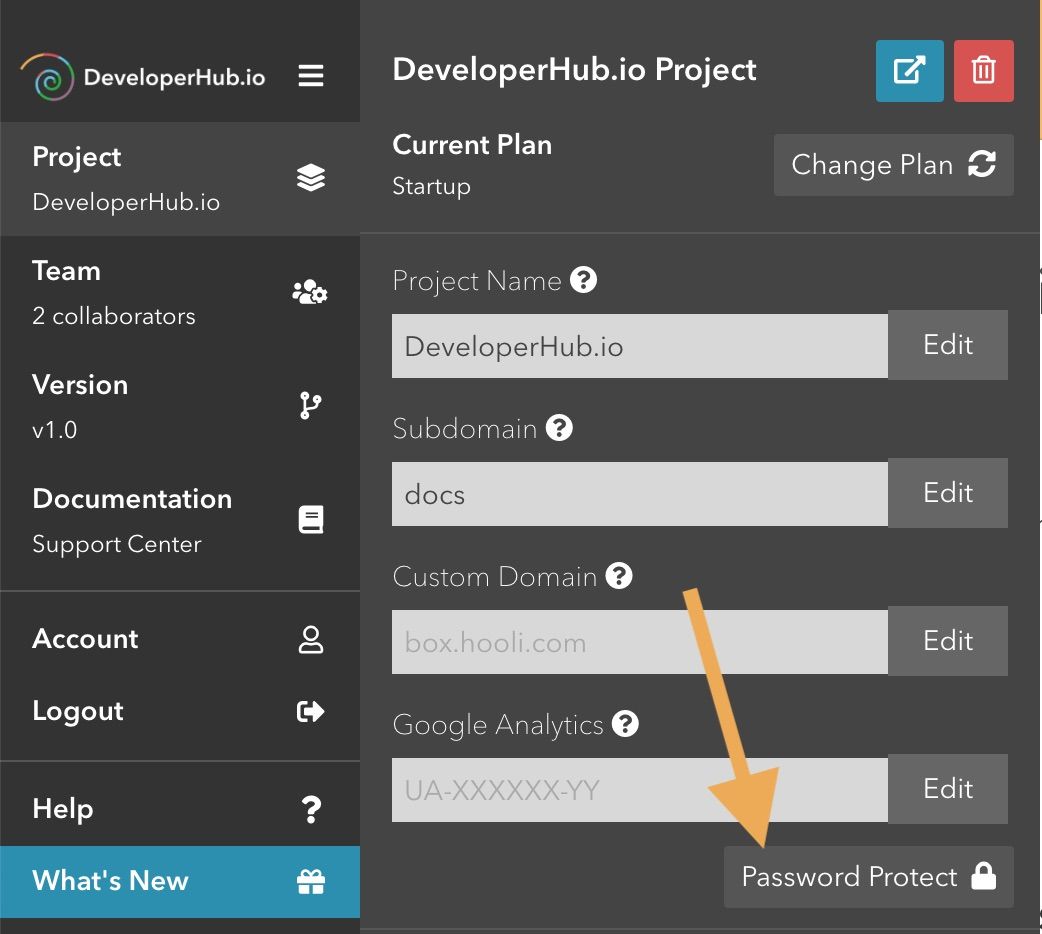
New Password-Protected docs: Eligible plans can now set up their project to be password-protected.
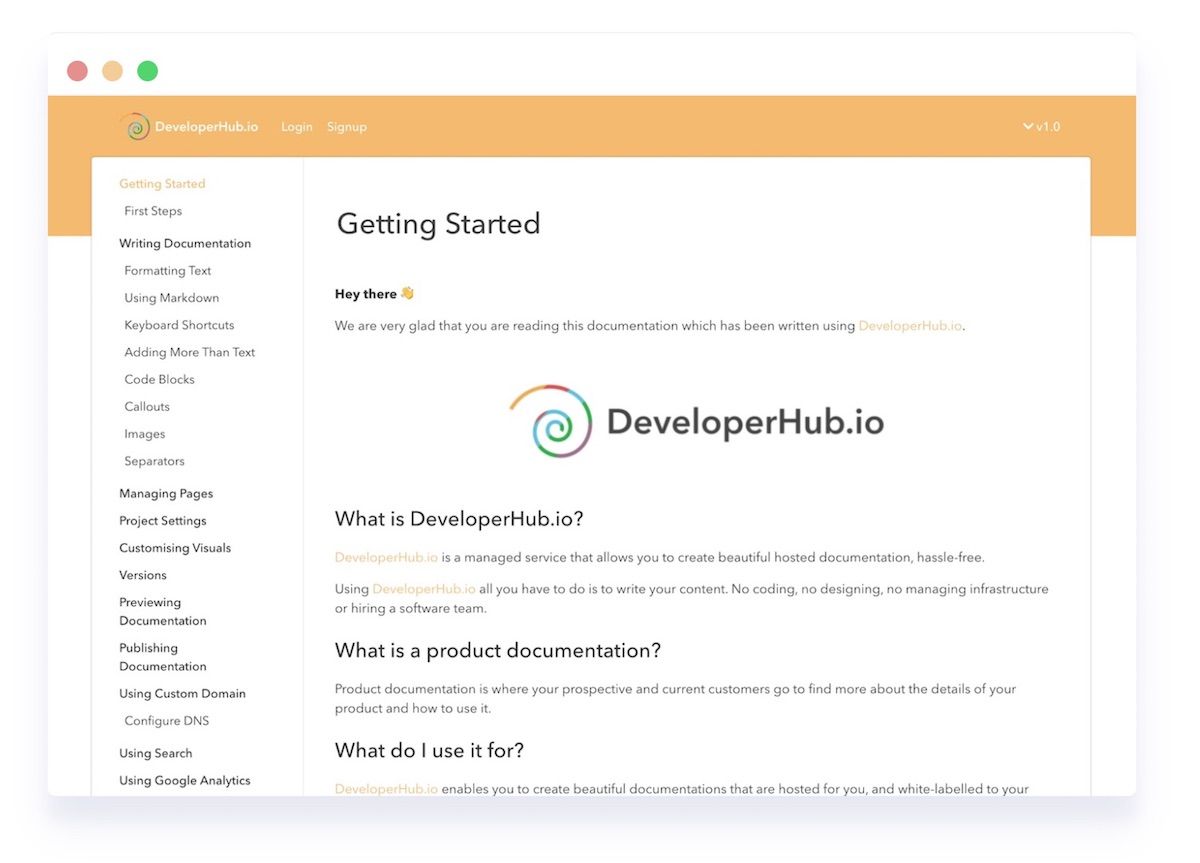
New Next page: The title and a link to the next page is shown at the bottom of every page for quick navigation. Preview:

New Collapse index: Give your readers an easier navigation experience with collapsible index.
20 Aug
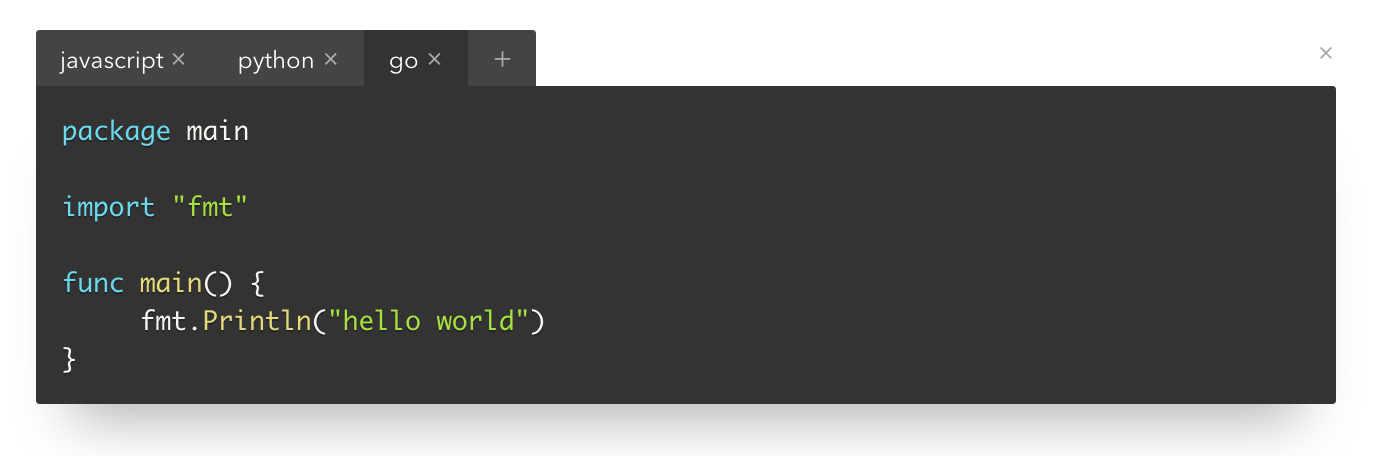
New Multi language code blocks: Code blocks support tabs to show multiple languages in the same block. Preview:
New Faster website: The website now loads 25% faster due to changes in our asset delivery method.
New Easier add-on delete: Added an "x" button to every add-on for easier delete.
15 Aug
New Paid plans launched: Startup and Grow plans have launched publicly for all users to subscribe to. See more details here.
New SEO: All published projects are now SEO-enabled and are indexed by search engines.
New Smoother design: Text is now rendered more beautifully on pages. Titles are bigger and headers are consistent. Lists are indented by default and have a different colour to show contrast with documentation text. Separators have bigger margins for a more natural thematic break.
New Image size controls: Images can now be resized to either responsive, big or small size. Read more about Responsive Size.
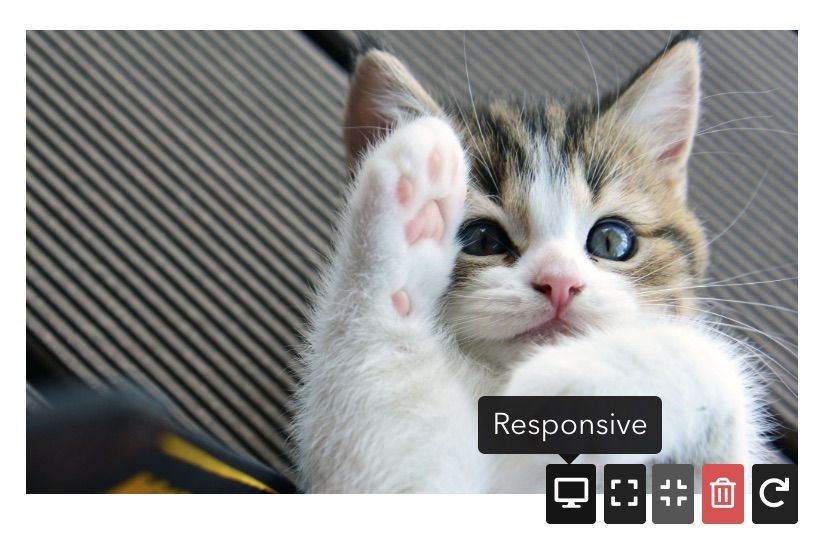
New GIF Support: Our users can now upload GIFs for a more fun experience to their readers (and to themselves 😉).
New Lightning-fast search: Lightning-fast search is no longer experimental and is provided to all eligible plans.
5 Aug
New Collaboration: Startup plan users can add teammates to collaborate on a project.
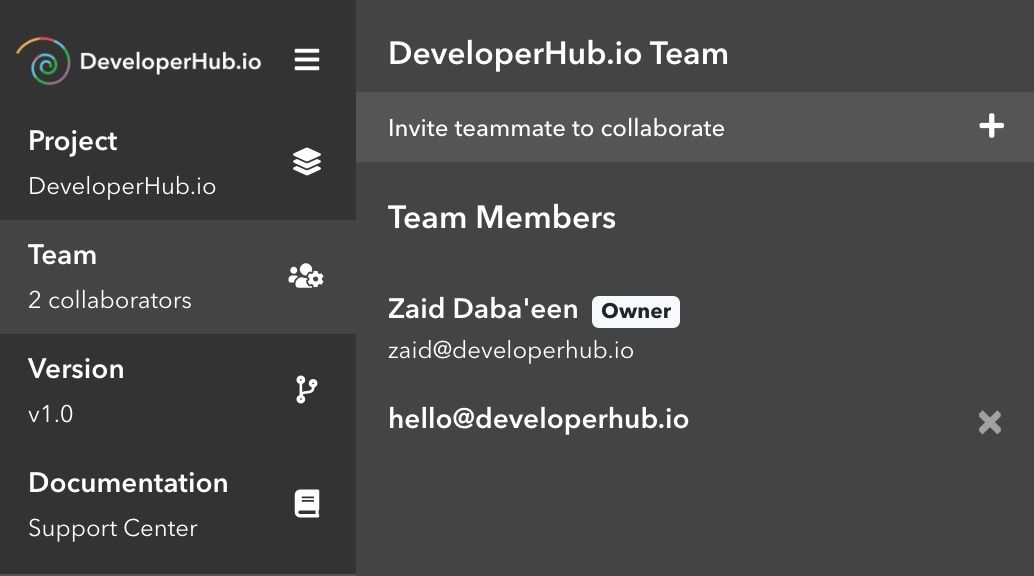
New Minimal sidebar design: Sidebar was revamped to take less space with beautiful icons, and to give you more space to do what's important: Document.
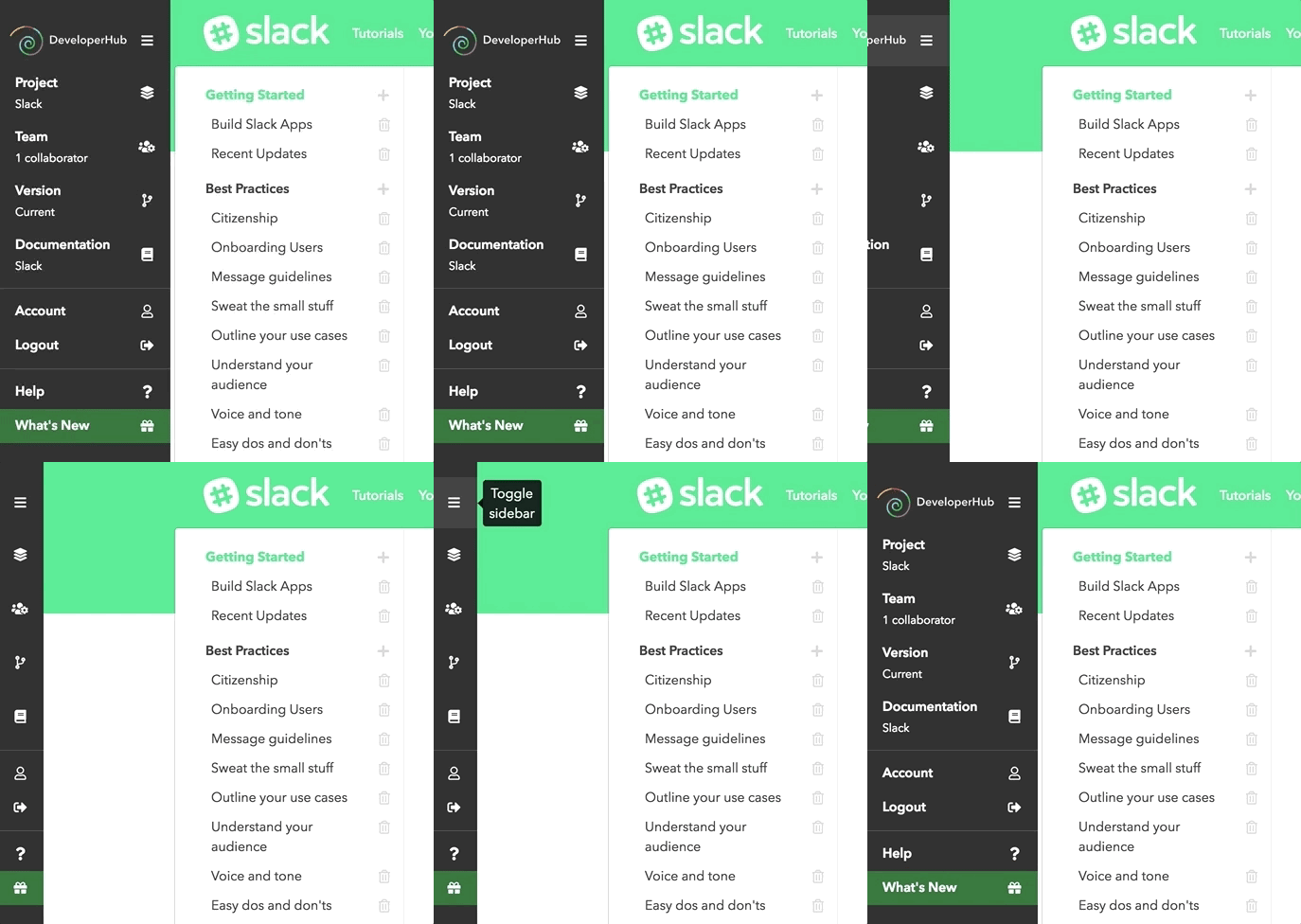
New Enhanced adding content around add-ons: Following to our update in 27 Jul, the clickable area around add-ons to add a line before or after text has been increased by 50%, and the mouse cursor would change icon for more visibility.
New Removed limit on projects number: All users can now have unlimited projects.
New Bug fixes: Sidebar on mobile devices was non-clickable depending on screen size.
1 Aug
New Progressive images loading: Your readers can now enjoy better images loading. All new uploads will be progressively encoded.
30 Jul
New Add links to navigation: You can now add two links to the navigation. See Customising Visuals.
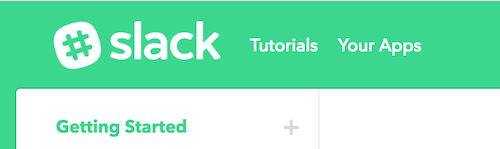
New Google Analytics Integration: Startup plan users can now integrate with Google Analytics for tracking page views.
28 Jul
New More beautiful code blocks and callouts: Code blocks and callouts now have beautiful shadow and rounded corners.
I am prettier now
New Experimental search: Super-fast search has been added to select documentations.
New More keyboard shortcuts: More keyboard shortcuts have been added. See Keyboard Shortcuts.
New Published versions count: A count of the published versions versus total number of versions is now showing per project in Project Settings.
27 Jul
New Add text below or above add-ons: To add text before or after add-ons, you can now click a bit above or a bit below the add-on. The invisible (but red here) area shows where you can click.

New Auto resize favicons: We now downscale your favicons if they were too big automatically. Rest assured, the quality will be preserved.
New Better Markdown rendering: Instant Markdown is now rendered in lists.
New Better copy pasting: A better algorithm for handling copy paste makes your job easier!
New Colour picker remembers colour: Colour picker now remembers where exactly you picked your last colour and restores the state there.
New Enhancements to ordering: Ordering pages is now more fool-proof.
25 Jul
New Custom domain: Use your existing custom domain for free on referring friends. Read more at Custom Domain.
22 Jul
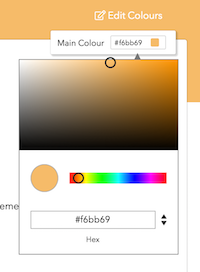
New Colour picker: A colour picker is now available to choose the main colour of your brand.
21 Jul
New Bold and italic using markdown: We extended our markdown support to bold text using
**text**and italicise text using*text*. See Using Markdown for all the possible options.New Callout text spans over multiple lines: Callout text can now span over multiple lines, giving you more space to highlight information to your readers.
18 Jul
New New quick shortcuts in sidebar: What's New page and DeveloperHub.io documentation can now be accessed directly from the sidebar.
New Resume your work: Now we remember what documentation you were last working on, and open it automatically on logging on the editor.
New Consistent link colour in code blocks: Links are now shown in the correct font and font colour in code blocks.
New Better handling of markdown heading: Using markdown to create heading 2 and heading 3 is now even better.
17 Jul
New Added markdown support for links: You can now use the markdown format to instantly create links in the form of
[title](URL).New No more getting stuck in code mode: On using markdown format to write inline code, a space is now entered on closing the tags to help you get out of code mode.
New Browser compatibility notification: We now notify you in the editor if the browser you are using is unsupported.
14 Jul
New See which e-mail address you are using: The e-mail address associated with the account can now be viewed in Account Settings in the left sidebar.