
Search
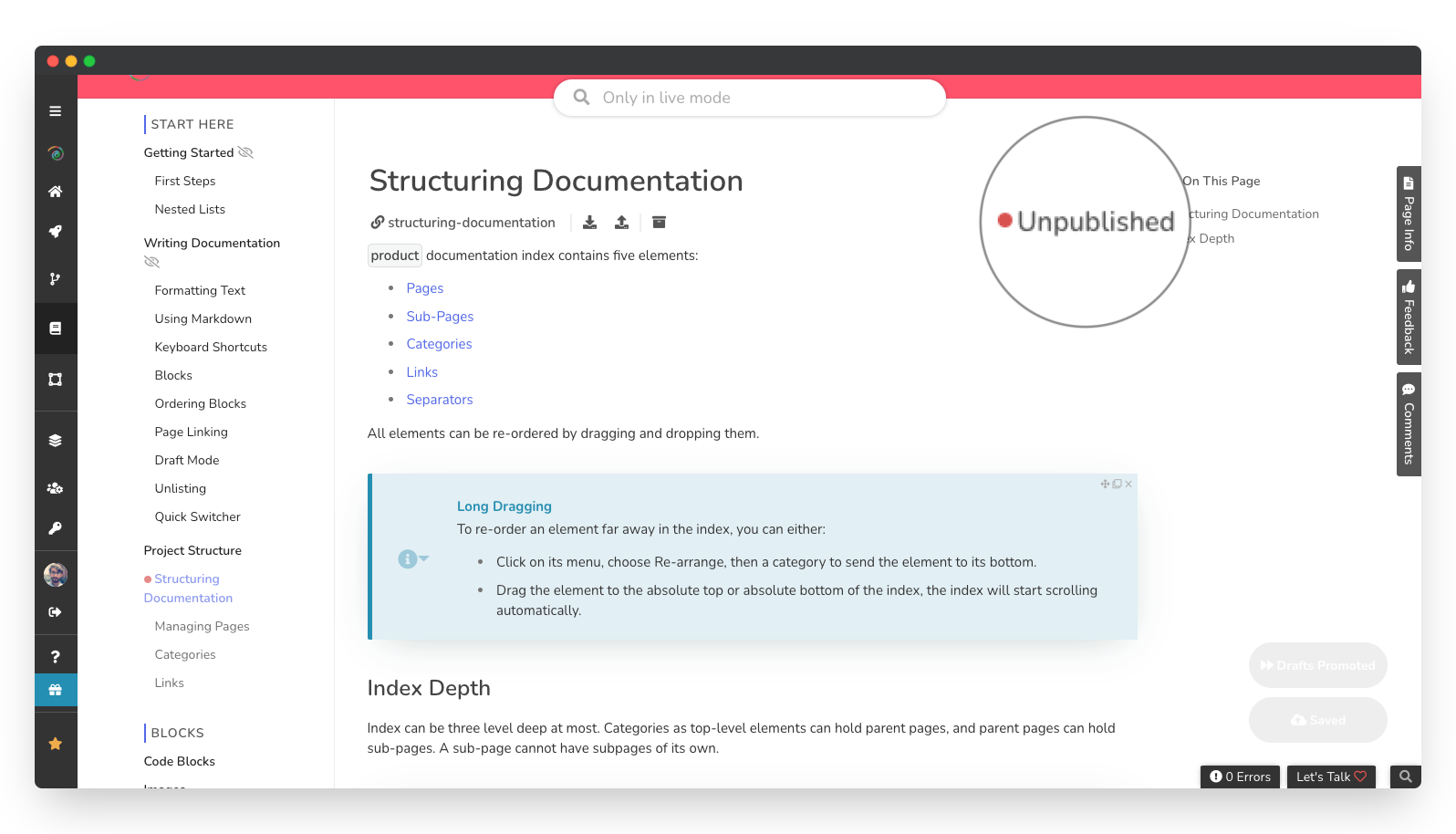
An unpublished page is a page that your readers cannot reach. It can only be edited by your teammates.
When is a page unpublished?
A page is unpublished when:
It is a draft that was never published to begin with. Drafts are saved in an unpublished state by default until you choose to publish them.
A teammate has unpublished a previously published page.
It is a child page, and a teammate has unpublished its parent page.
How do I unpublish a page?
To unpublish a page:
In the left-side navigation bar, hover over the page you want to unpublish to reveal the Options menu.
Click to open the Options , then click Unpublish .
How do I enable a page to be published?
In the left-side navigation bar, hover over the page you would like to publish to reveal the Options menu.
Click to open the Options , then click Allow to Publish .
Was this page helpful?